AI skate coach · for iPhone
Land it
next try.
Film your kickflip, ollie or any of 40 tricks. Skate AI watches it frame by frame, tells you exactly why you're not landing it, and shows where your feet go on the next try.
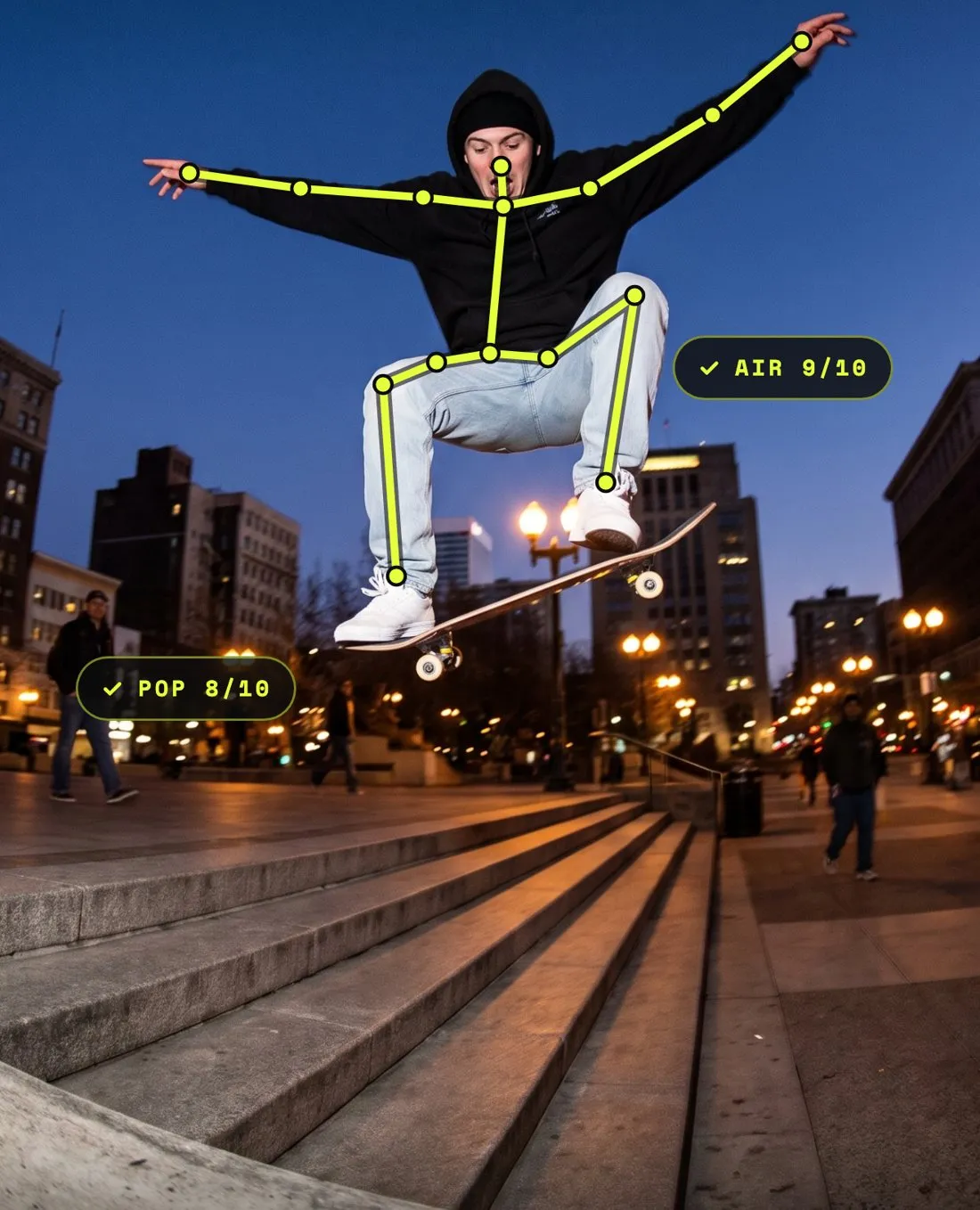 FRAME 23 / 48
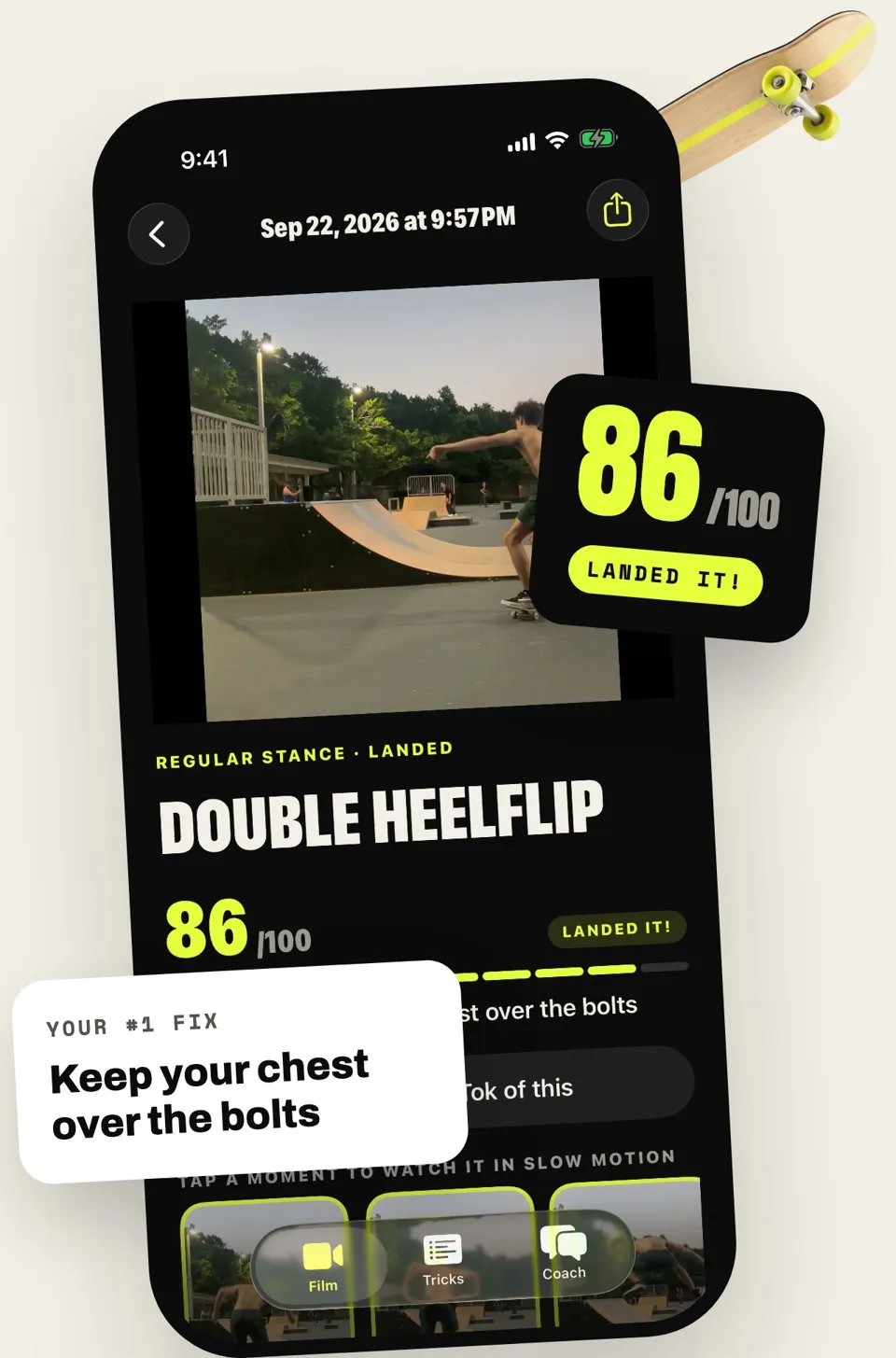
Your #1 fix
Your flick is late. Flick off the heel-side corner of the nose.
01 — The breakdown
Every try,
broken down
Upload a clip or film right in the app. Skate AI pulls 48 frames from your attempt, finds the moment it went wrong, and tells you the one thing to change.
- 01
Film it
Side-on, whole body and board in frame. Slow-mo if you've got it.
- 02
Get the breakdown
Setup, pop, flick, catch and landing, each scored out of 10.
- 03
Fix it on the next try
The one fix that matters most, with a drill and a target.
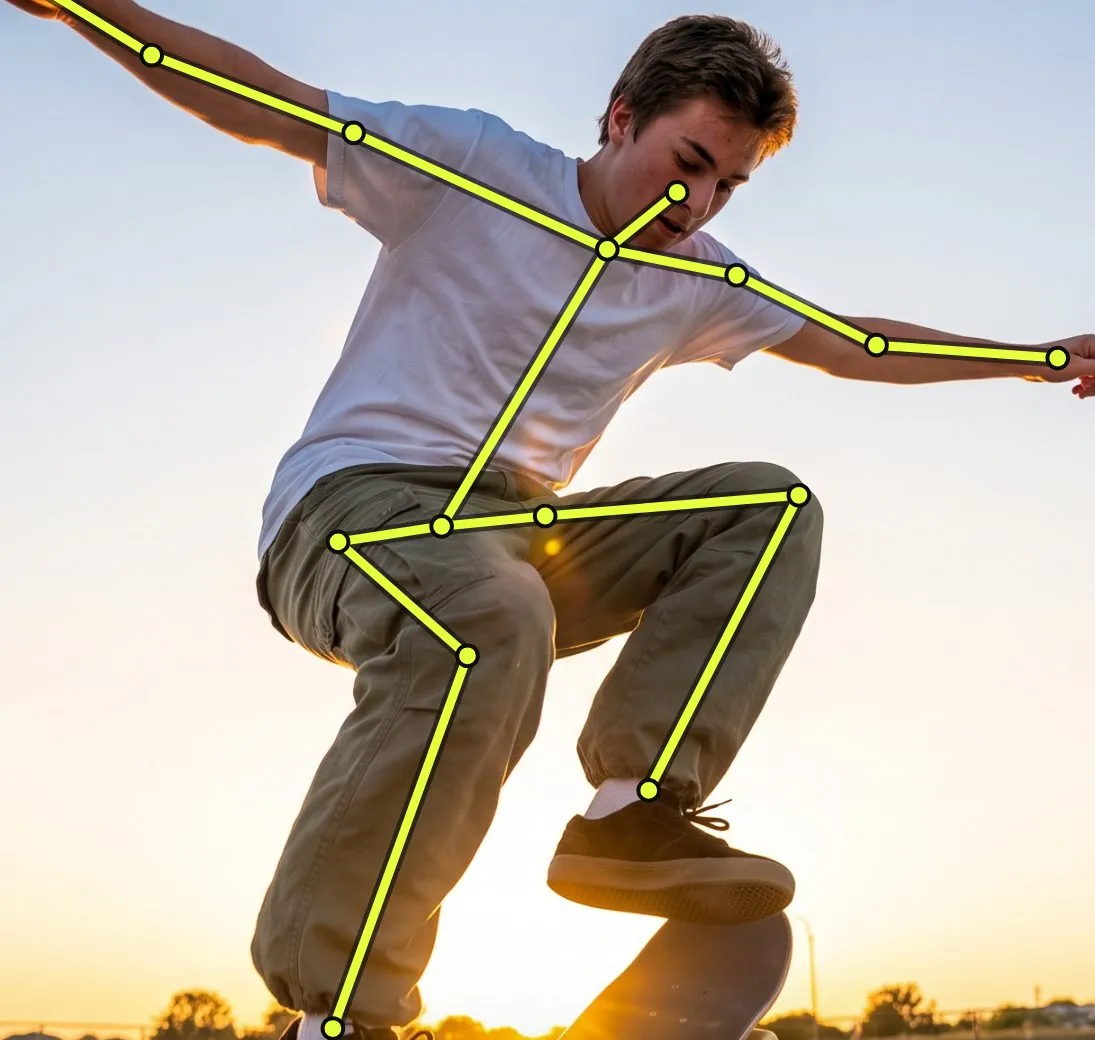 SKELETON
Regular · not landed yet
- Setup7/10
- Pop8/10
- Flick4/10
- Catch6/10
- Landing5/10
02 — The score
Every part,
scored.
Skate AI tracks your body through the whole trick and scores each part out of 10. So you know whether it's your pop or your catch, not just that you didn't land it.
Your #1 fix
Flick off the heel-side corner of the nose.
Drill 10 kickflips on grass. Catch it with both feet.
03 — Foot placement
Know where
your feet go
Every flat-ground trick comes with a top-down diagram: where each foot sits, which way your toes point, and where your front foot flicks. Twenty tricks, from your first ollie to a tre flip.
Kickflip: front foot just behind the front bolts at about 45°, heel hanging off. Slide up and flick off the heel-side corner of the nose.
04 — The coach
Ask the coach
anything.
My kickflips keep flipping out in front of me. Why?

You're kicking the board forward instead of up and out. Jump straight up, and flick diagonally off the heel-side corner of the nose so the board stays under you.
What should I learn after kickflips?
Varial kickflips. It's the flick you already have, plus a pop shove-it scoop with your back foot.
05 — Share it
Turn it into
a TikTok.
Key moments, slow-mo and your score, cut vertical for TikTok and Reels in one tap.

Free trick guides
How to do every trick, from ollie to tre flip.
What is Skate AI?
Skate AI is an iPhone app that analyzes video of your skateboard tricks. You film an attempt, and it scores each part of the trick, tells you the one fix that matters most, and shows where your feet go on the next try.
How does Skate AI analyze my trick?
It pulls 48 frames from your clip and reads them like a coach watching in slow motion: setup, pop, flick, catch and landing. You get a score out of 10 for each, the one fix that matters most, and a drill for your next try.
What tricks does it work with?
40 tricks across flat ground, grinds and slides, and transition: ollies, kickflips, heelflips, shove-its, tre flips, 50-50s, boardslides, drop-ins and more. If your trick isn’t on the list, you can type it in.
How should I film my trick?
Side-on or at a 45° angle, with your whole body and the board in frame. Slow-mo helps. If the camera missed your feet, Skate AI tells you how to film it next time instead of guessing.
Are my videos stored?
No. Your videos stay on your phone. Only still frames are sent to be analyzed, and our servers keep none of them. The AI provider may hold frames for up to 30 days for abuse checks, then deletes them.
How much does Skate AI cost?
Skate AI is a subscription: $3.99 a week or $29.99 a year in the US, billed to your Apple Account. Cancel any time in your iPhone’s Settings.
Is Skate AI on Android?
Not yet. Skate AI is iPhone only for now.
Skate AI for iPhone
Stop guessing.
Film it.
Film your next try. Get the one fix that matters.


Skate AI: Skateboard Tricks
iPhone · Sports